Verba. AI Captions for video
About
Verba is the essential tool for content creators, video editors, social media enthusiasts, and anyone striving for professional videos with accurate, customizable subtitles.
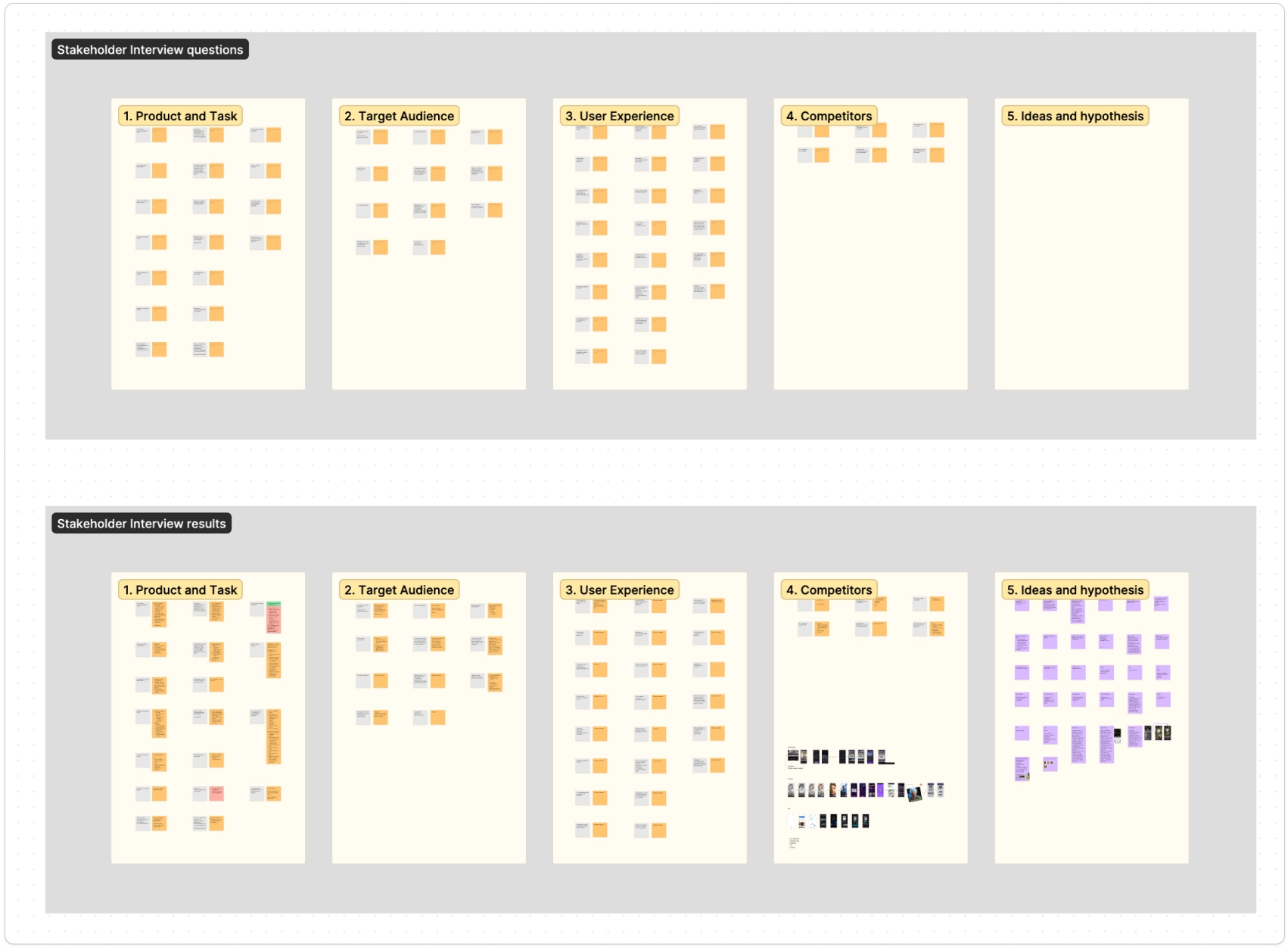
Stakeholder interview
Firstly we conducted a Stakeholder Interview for clear understanding of project objectives/goals and business requirements.
In the Prototyping part of the flow our team worked separately on each feature, so in this case study I will mainly cover the feature I was working on. I will also cover our team working result I took part in.
User interview
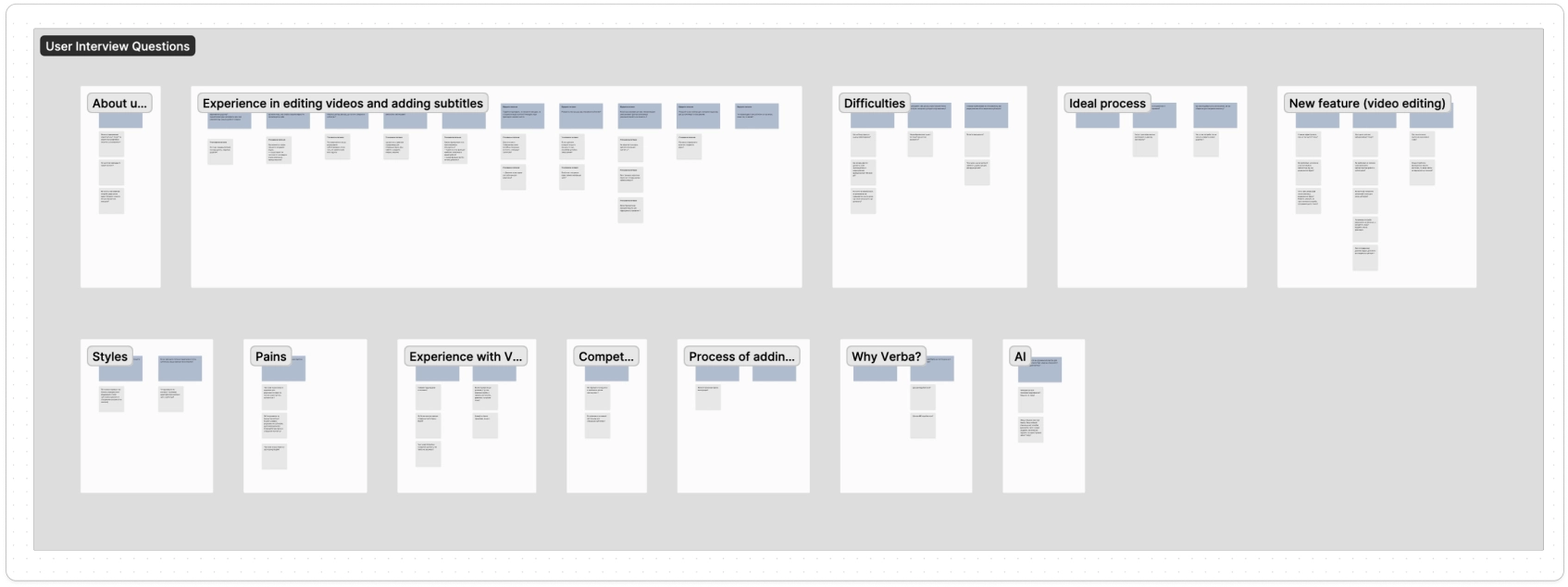
We conducted the User Interviews to gather detailed feedback from the users and understand their challenges.
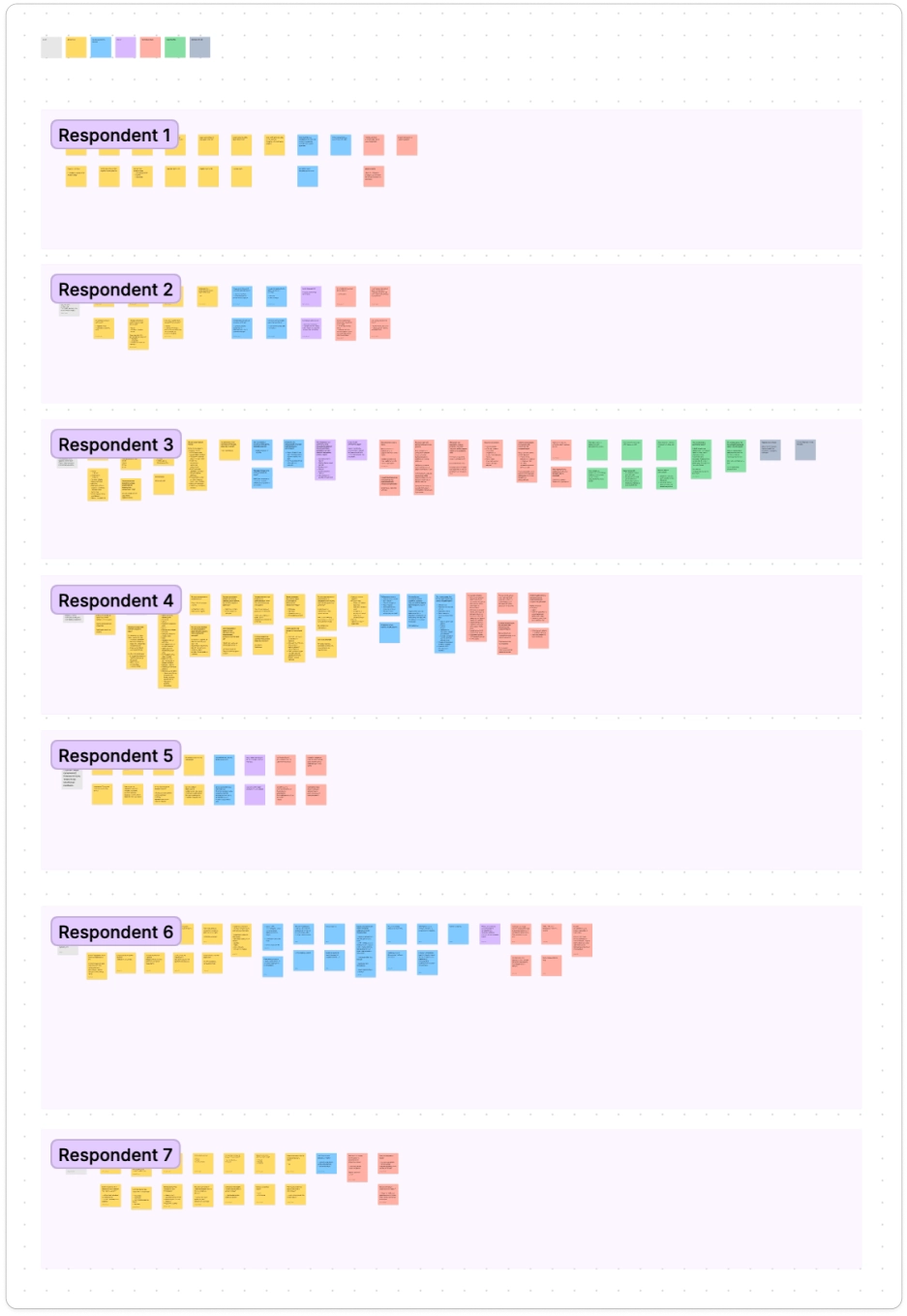
With seven respondents, we quickly brainstormed questions individually, then consolidated them as a team before starting the interviews. Over a total of 1.5 hours, I interviewed two users and subsequently synthesized the results with my team. my 2 respondents
User Persona and CJM
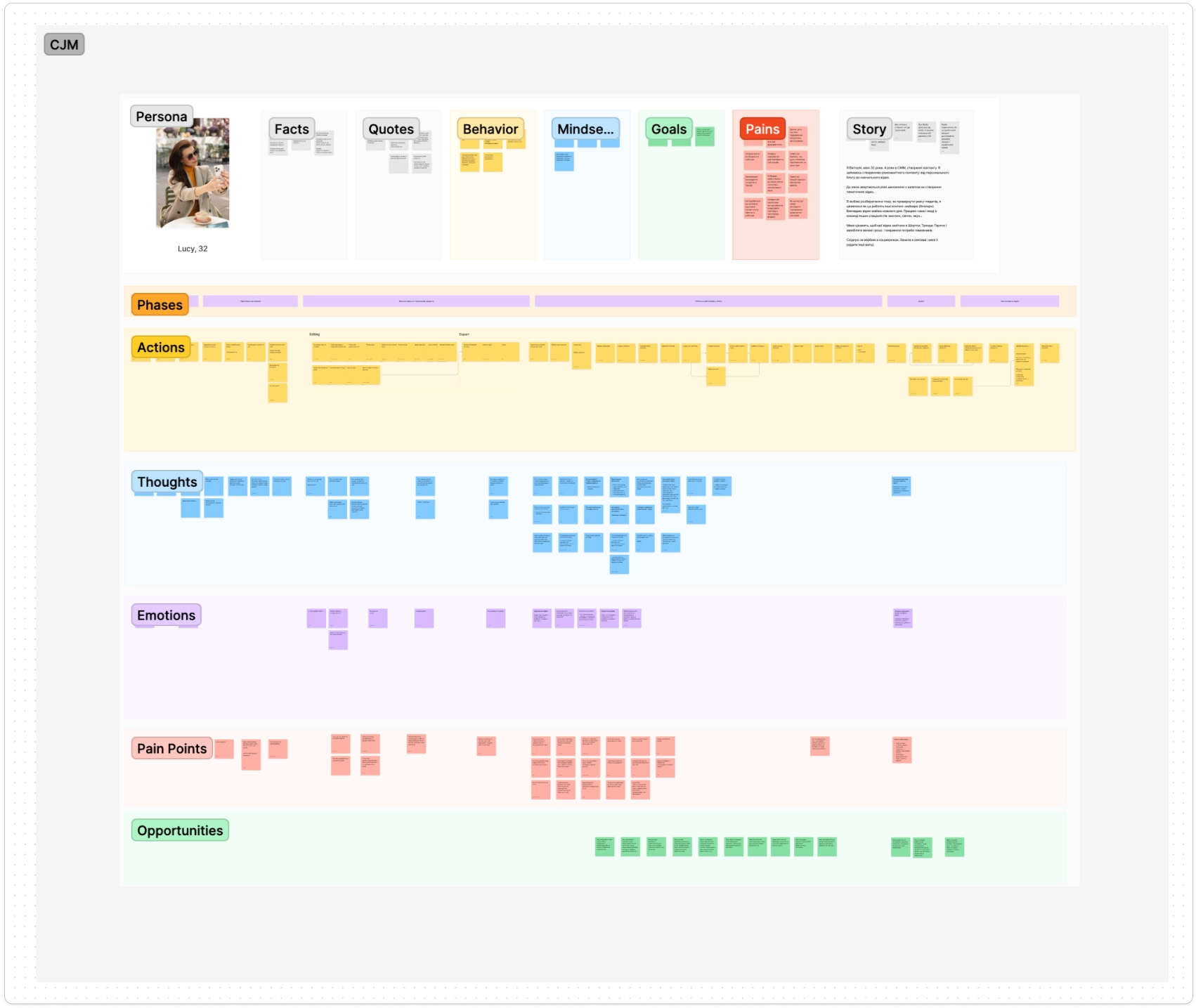
To deepen of our target users and their behaviors, we developed the User Persona.
Then we made the CJM to gain clarity on current user interactions, needs and expectations on each stage of the journey.
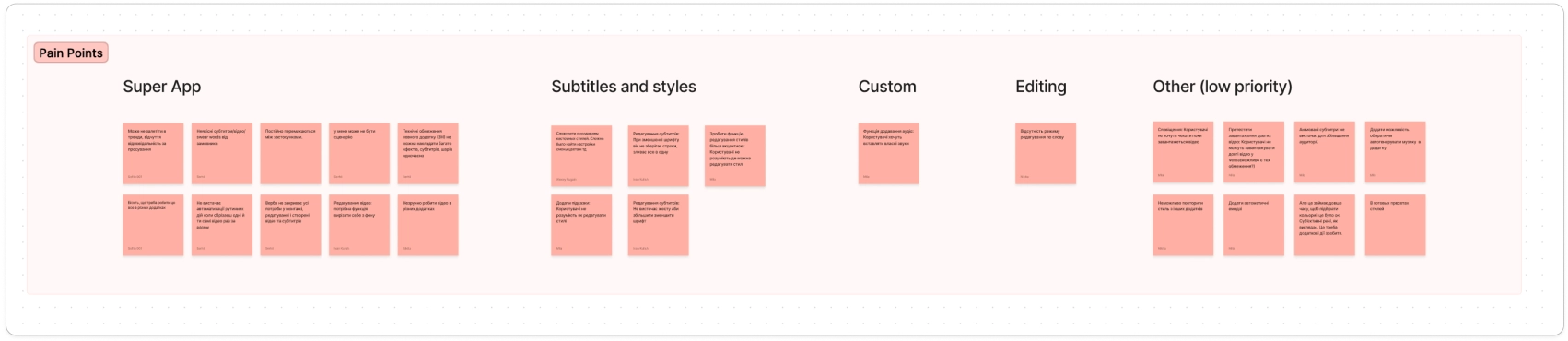
Severity Analysis
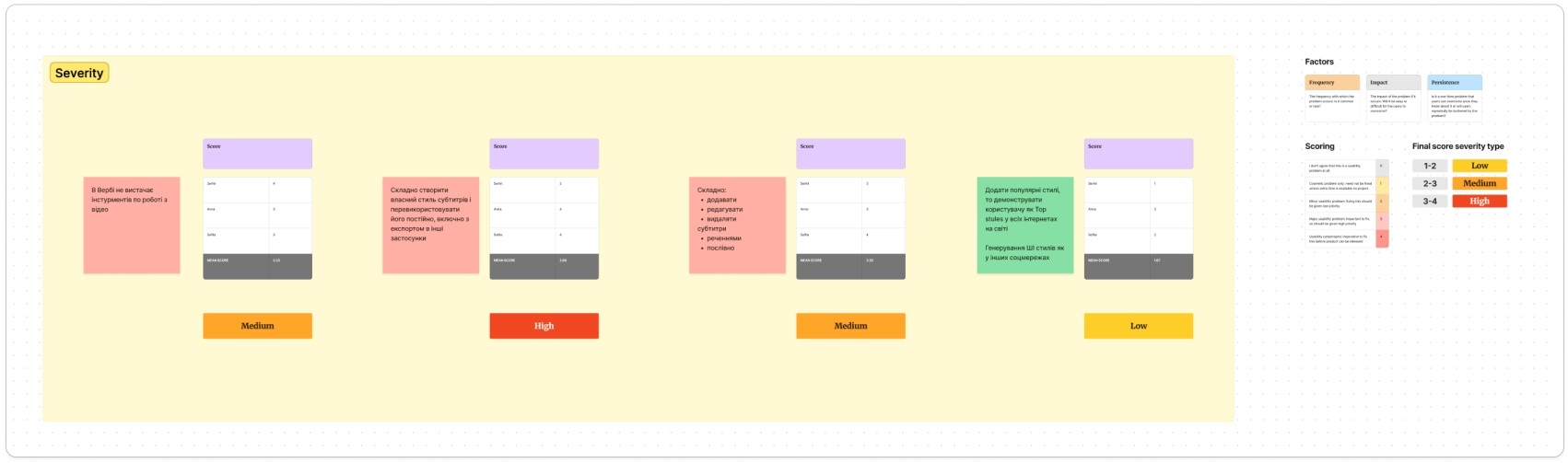
We rated the severity of the problems which helped to identify and prioritize pain points to focus on in our testing.
This process ensured we addressed the most critical user needs.
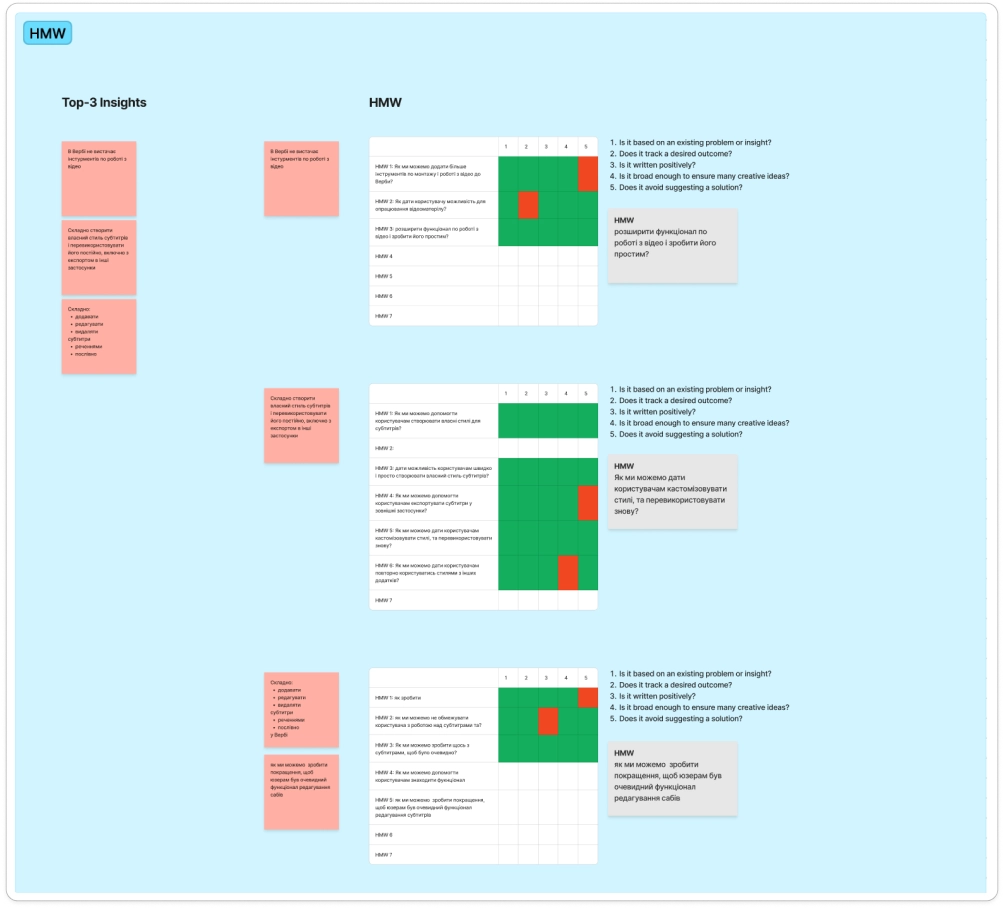
How Might We (HMW)
Each team member contributed "How Might We" questions to explore a wide range of potential solutions. We then selected the ideas that best met our criteria.
Final HMWs
HMW 1 How might we make improvements so that the subtitle editing functionality is obvious to users?
HMW 2 How might we expand functionality for working with video and make it simple?
HMW 3 How might we make it easy for users to customize styles, and reuse them again?
Problems with custom styles
#1 “I haven't figured out how to create my own subtitle style. I did not find how exactly this is done.”
#2 “Creating custom styles takes a lot of time”
#3 “I can't recreate my signature style in the custom subtitle settings”
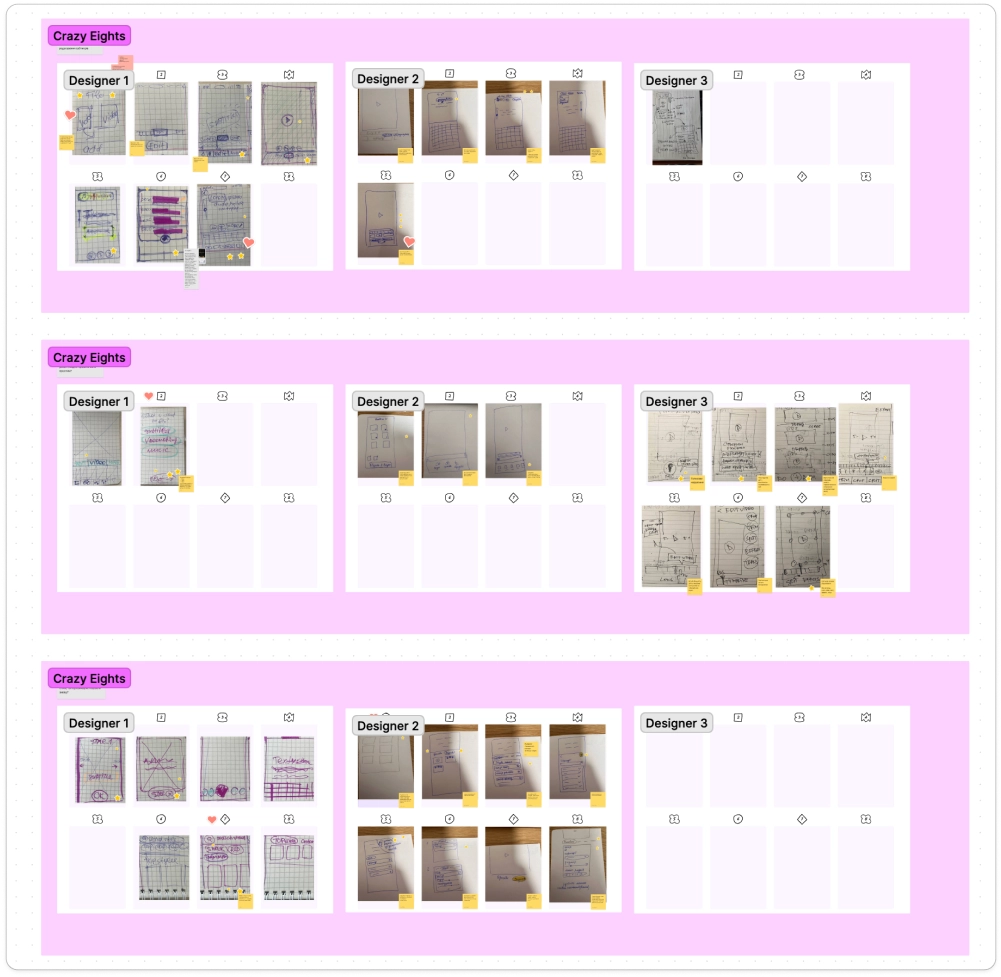
Crazy Eights
We conducted a Crazy Eights exercise to identify multiple solutions from different perspectives.
After prioritizing the best ideas, we began developing prototypes.
Prototyping
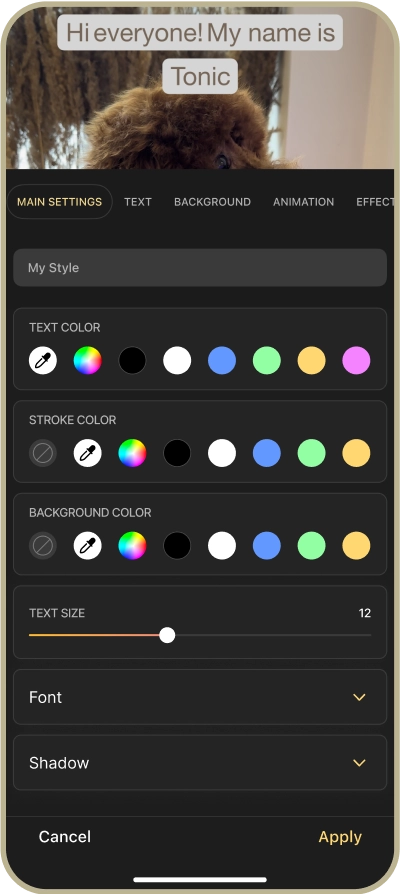
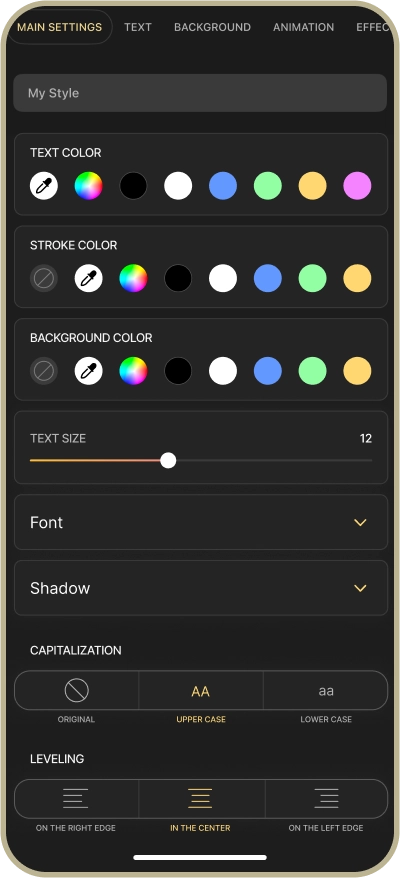
We found that users were confused by the filter creation process. To simplify it, I streamlined the Main tab settings, grouping all text color settings together. This allowed users to pick colors directly from the video, delete stroke and background colors, and use a color wheel for precision. Previously, only one text color setting was available.
I also removed some unused settings to test a simpler version.
User interviews showed a preference for font customization and shadows, so I added these options.
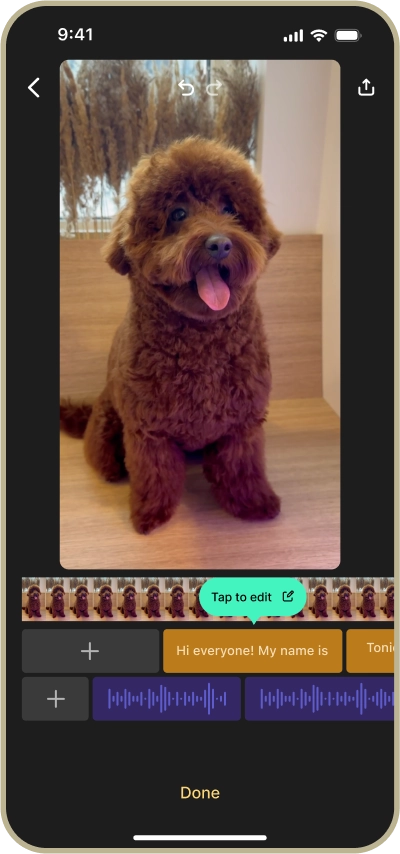
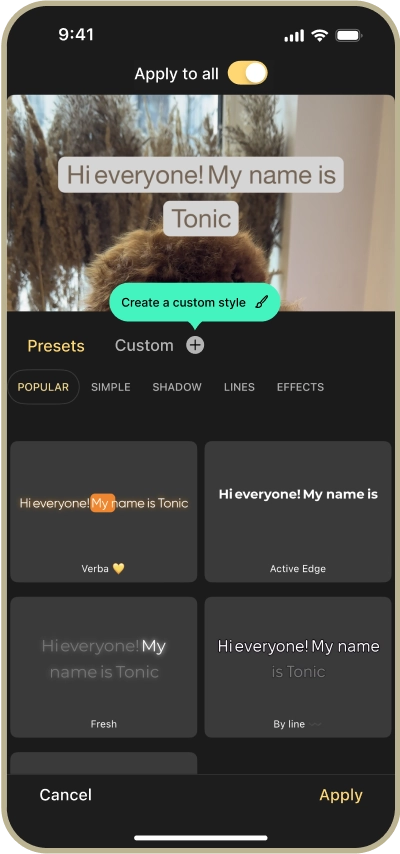
Feedback from user interviews and the customer support team highlighted that many users struggled to find subtitle editing and custom style creation features.
To resolve this, I incorporated onboarding tooltips to guide users to these functionalities.
User Testing
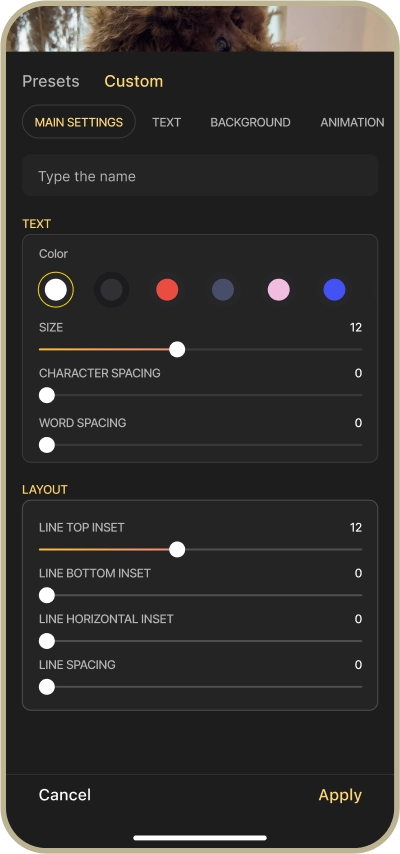
I decided to test both solutions: the core team one and the new one, and after testing I asked user's opinions about each one. Here are some of the key insights:
User's feedback
“I can not immediately turn off the stroke on the text.”
“I need more settings, like alignment.”
“I need more colors here, as our brand color is orange. I don't see it now.”
“There is no color picker here, I want to pick colors from video.”
“The interface is user friendly.”
User's feedback
“Shadow is really important here as it can improve the text readability. Some apps don't have a shadow and I need to create background under the subtitles.”
“There are a lot of colors here, so the titles could be more visible. Now I like that everything is in one place and it's easy to manage the colors for every element.”
“I would use all of these settings except the stroke.”
“Will I have the ability to select the text alignment?”
“Uppercase that was in the previous version disappeared.”
User's feedback
“The tooltips are good as instructions for new users.”
“Tooltips should appear during the first one or two uses to avoid irritation.”
“There is a hint here, very cool.”
“When I firstly entered the app and there were no hint, I was a little confused. But when I saw the tooltips, everything was clear.”
Next Steps
New features are currently in development, and we are excited to see our solutions in production. Although we couldn’t address all the pain points during the five-day sprint, we handed over all the research findings and prototypes to the core team, ensuring they have the necessary resources to improve the application. The presentation to stakeholders and user interviews also indicated positive feedback on our new design solutions.